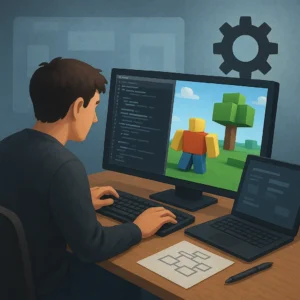
Robux opportunities become more responsible when they begin with tools Roblox actually provides, not with promises of instant currency. For new creators, the useful question is not which button pays fastest; it is which official feature helps build something players value and then allows eligible earnings under platform rules. Roblox Studio, Creator Dashboard, analytics, and monetization settings form a connected workflow, but each tool solves a different problem. This guide maps those tools to practical actions, from testing a small experience to reviewing performance and preparing for possible payouts. You will also see why a creator should treat Robux as a result of useful work rather than a guaranteed reward. That mindset protects your account and improves the quality of every project you publish.
Start With Roblox Studio and a Small Testable Idea
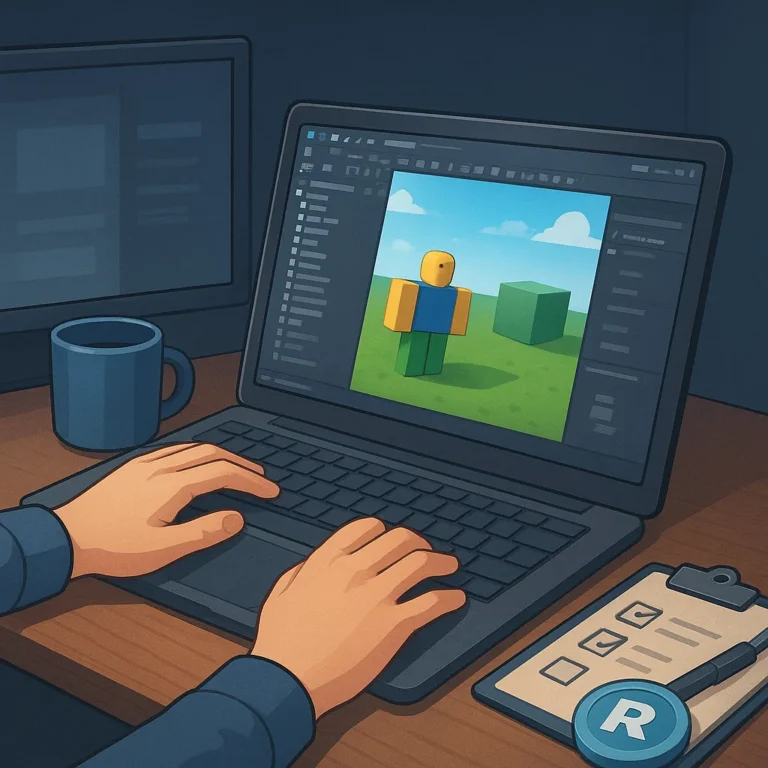
Roblox Studio is the main official workspace for building and testing experiences, but opening it does not create an earning opportunity by itself. Begin with one player promise: finish a short obstacle course, solve a cooperative puzzle, or practice a repeatable skill. Use templates and parts to create a playable loop before adding expensive assets or complicated systems. Test privately, fix confusing controls, and ask a few trusted players where they stop having fun. This approach turns Studio into a learning tool rather than a shortcut to Robux. A finished small project gives you evidence about player interest and a stronger foundation for decisions.
Use Creator Dashboard to Read Real Player Signals
After publishing, Creator Dashboard helps connect creative choices with player behavior. Review visits, average session time, retention, and feedback instead of assuming that more traffic means a better opportunity. If players leave during the first minute, improve the opening before adding monetization. If they return but struggle with a mechanic, clarify instructions or adjust pacing. Keep a simple change log so you know which update affected results. These measurements do not guarantee Robux, yet they help you invest effort where it matters. A creator who responds to evidence can build a more useful experience and avoid spending money on features players never requested.
Choose Monetization That Serves the Experience
Official monetization features can include passes, developer products, subscriptions, or paid access, depending on the experience and current Roblox eligibility rules. Choose one clear value exchange instead of placing purchase prompts everywhere. A cosmetic upgrade, optional convenience, or repeatable support item should be understandable before a player clicks. Explain what a purchase does, avoid pressure, and keep the core experience enjoyable without payment. Test pricing with restraint; a low-cost item that players genuinely want is more sustainable than an aggressive offer that damages trust. Before publishing changes, review Roblox documentation and age-appropriate requirements. Responsible design makes monetization part of the product, not an interruption.
Treat Creator Programs and Payouts as Separate Steps
Robux earned inside an experience are not the same as cash in a bank account. A creator must distinguish platform revenue, account eligibility, and a later exchange process. Roblox creator programs and Developer Exchange requirements can change, so read the official terms before planning around a payout. Keep ownership details accurate, use original or properly licensed assets, and record what your project earns. Do not buy fake visits, trade account access, or promise investors guaranteed returns. These shortcuts can create moderation, copyright, or fraud problems that outweigh temporary growth. Understanding the path from player spending to eligible payout keeps expectations realistic and encourages better habits.
Build a Repeatable Workflow Before Chasing Robux
Responsible creators work in cycles: plan, build, test, publish, measure, and improve. Set a narrow weekly goal, such as repairing one onboarding problem or adding one meaningful challenge, then compare the result with earlier data. Save backups and restrict collaborator permissions to people you trust. If an update increases complaints or reduces play time, be willing to reverse it. This process may feel slower than chasing a viral trick, but it compounds skill, audience trust, and product quality. Over time, official tools become valuable because they help you make better decisions. Robux remain a possible outcome of that work, not the only reason to continue.
Where to continue your research safely
To keep researching, review Roblox Creator Hub Developer Exchange information and compare which option makes the most sense for your situation.
Key criteria to compare before you decide
A good decision depends on more than a first impression. Compare total cost, timing, reputation, effort required, and the clarity of the offer conditions. When those criteria are visible together, it becomes easier to tell whether an option solves the problem or only looks attractive at first.
How to use this guide for your next step
Review the criteria before moving forward
Which official Roblox creator tools support responsible Robux opportunities calls for context, comparison, and patience. Use the points above as a practical checklist: revisit your goal, look for concrete signals, and move forward only when the choice fits your current needs.