
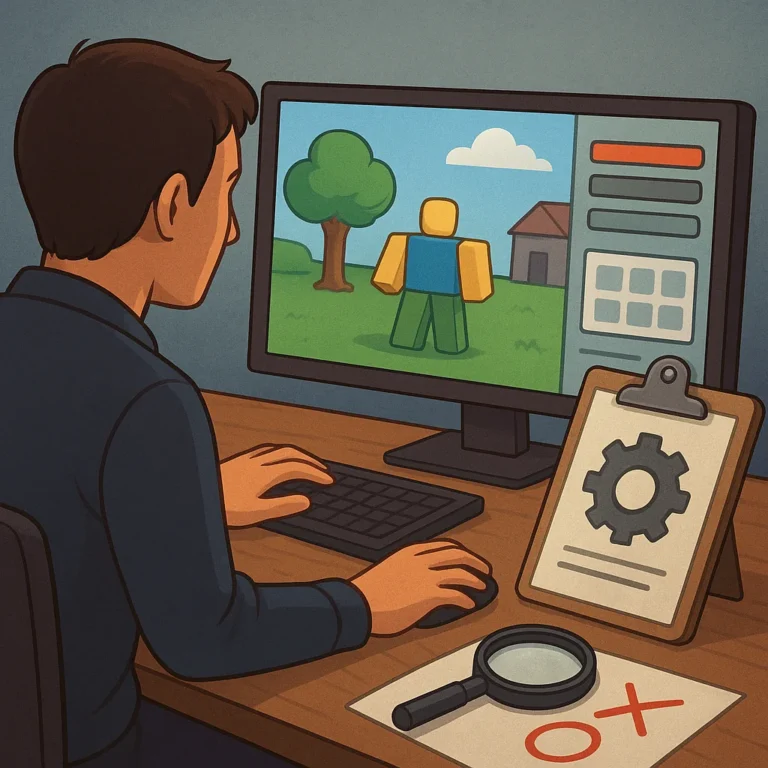
Your first player tests reveal more than whether people like a Roblox game. They show where instructions fail, movement feels awkward, goals become unclear, or technical problems interrupt momentum. Treat those observations as evidence, not judgment. A repeatable improvement process turns early confusion into a clearer, more enjoyable experience for future players.
Improvement also protects a creator’s long-term credibility. Players return when updates respond to real needs rather than random hunches, and collaborators notice when decisions follow a clear method. You do not need a viral launch or advanced monetization plan first; you need disciplined testing that makes each session more understandable, stable, and rewarding.
Start With the Right Testers
Match the Audience
Begin by defining the audience your game intends to serve. Invite testers who resemble those players in age, experience, interests, and available play time, while avoiding a group made entirely of close friends. Friends can be useful, but unfamiliar testers are more likely to expose assumptions you no longer notice.
Give every tester the same short briefing, but do not explain solutions before play begins. State the goal, controls, and any safety expectations, then watch quietly. Record the device used, session length, prior Roblox experience, and notable interruptions. Consistent setup helps you compare reactions without confusing different instructions with different design quality.
Observe Behavior Before Opinions
During a session, mark moments when players hesitate, repeat an action, open an unexpected menu, or ask what to do next. Also note when they quit, skip a section, or stop speaking. These behaviors often reveal friction more reliably than a final rating. Time stamps let you return to the exact moment and investigate it later.
Ask open questions after the test, such as, ‘What did you expect to happen here?’ and ‘Which moment felt least clear?’ Avoid leading players toward your preferred answer. Compare their explanations with your observations, because players may describe a symptom while the underlying cause sits in pacing, interface language, level layout, or missing feedback.
Turn Notes Into Diagnoses
Separate Bugs From Preferences
Classify each report before changing the game. A bug produces behavior that contradicts the intended rules, such as a door that will not open or progress that disappears. A preference reflects taste, such as wanting faster movement or different colors. Both deserve respect, but they require different responses, testing methods, and levels of urgency.
Look for patterns across several players instead of reacting to the loudest comment. If four testers miss the same prompt, the prompt probably needs revision. If one tester dislikes an optional feature while everyone else succeeds, preserve the feature and investigate the preference. Pair frequency with severity: a rare issue that blocks progress can outrank a common cosmetic complaint.
Rank Changes by Player Impact
Create a short priority list using three questions: Does the issue prevent entry, understanding, or completion? Does it affect many players or a critical moment? Can you fix it without damaging another system? Start with barriers that stop people from reaching the game’s value, then address repeated confusion, unstable performance, and finally lower-impact polish.
Before implementing a change, estimate its effort and define a visible success signal. A simpler tutorial might succeed when new testers complete the first objective without help. A performance fix might succeed when fewer sessions show long loading pauses. Clear signals prevent busywork, reveal tradeoffs, and help a small team spend limited development time where it improves access and enjoyment.
Protect the Core Loop
Do not let a series of small requests pull the game away from its central promise. Test whether a proposed improvement supports the main action players came to enjoy. If an update adds complexity, hide advanced options until they become useful. Preserve readable goals, responsive controls, and fair challenges while refining details around them.
Verify Every Update
Release one meaningful group of fixes at a time, and keep a record of what changed. Revisit the same tasks used in the original test so results remain comparable. Invite some returning testers and some fresh players; returning players reveal whether memory masks the problem, while new players show whether the improvement works without prior context.
Compare outcomes against the success signal, not against a feeling that the update seems better. Track completion, help requests, crashes, repeated failures, and voluntary return when those measures fit the game. If the numbers improve but comments reveal new confusion, keep investigating. A successful patch removes a barrier without creating a quieter, less visible one.
Document and Communicate Progress
Keep a Useful Change Log
Write a concise change log that names the problem, the decision, and the evidence behind the update. Avoid claiming that a change is universally better; describe what you tested and what improved. This record helps future contributors understand tradeoffs, prevents repeated mistakes, and gives players a credible explanation for why the experience continues to evolve.
Share improvements in plain language through update notes, testing invitations, or community posts. Tell players which issue you addressed, how you checked the result, and what feedback you still need. Honest communication builds trust even when a fix is incomplete. Over time, that trust can support healthier communities, stronger collaboration, and more credible creator opportunities.