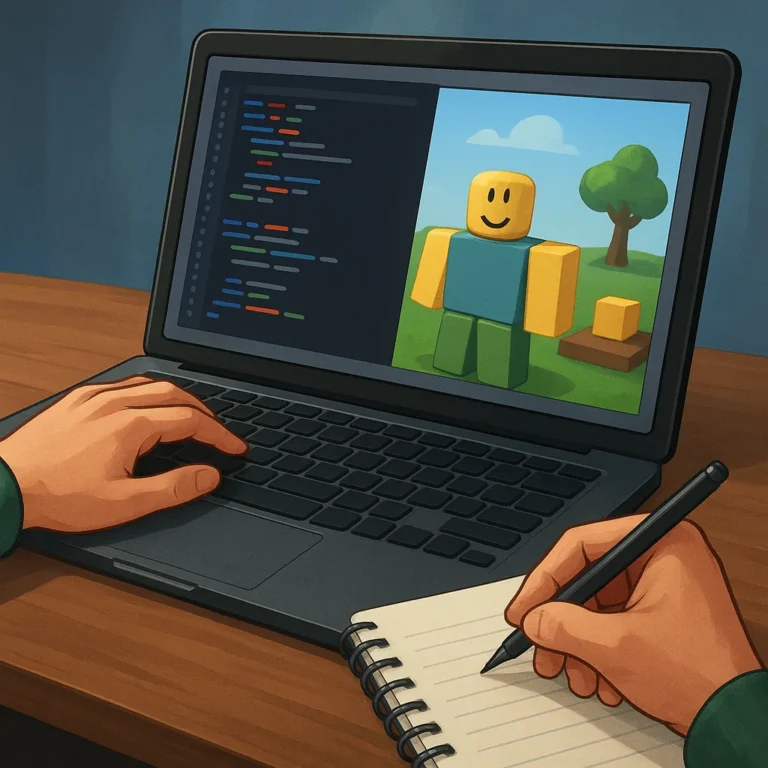
Roblox scripting is a creative skill that lets you turn a simple game idea into a responsive experience. Instead of treating code as a wall, think of each script as a set of clear instructions that helps players move, choose, collect, compete, and discover. You can learn gradually by testing one useful behavior at a time.
Start with curiosity rather than pressure. A beginner does not need to memorize every Lua feature before making progress; you need a small goal, a place to experiment, and patience when the first attempt behaves unexpectedly. Each successful change gives you evidence about how systems work, while each mistake offers a specific question to investigate next.
Understand What Scripts Control
Before writing code, decide what the player should notice. Scripts can control doors, tools, timers, rewards, camera effects, nonplayer characters, and many other parts of a Roblox experience. This list may feel large, so choose one visible action first. A narrow target makes your logic easier to explain, test, and improve.
Imagine a pressure plate that opens a gate for a few seconds. The plate supplies an event, the script checks whether the right character touched it, and the gate changes state. This simple chain teaches an important pattern: notice an input, make a decision, then produce an outcome. More advanced features reuse the same pattern.
Begin With Variables and Events
Variables give your script a memory. They can hold a player’s score, a door’s current state, a timer value, or the name of an object you want to change. Begin with descriptive names that reveal purpose, such as collectedCoins or gateOpen. Clear names reduce confusion when your project grows and several values interact.
Events help code respond to something that happens in the game. A player may click a button, touch a part, join a server, or finish a task. Connect each event to a small response, then keep that response focused. When behavior fails, you can identify whether the event was missed, the condition was wrong, or the result changed incorrectly.
Store Useful Information
Practice variables by building a collectible counter. Give one object a clear value, increase that value when a player collects an item, and display the result where testing is easy. Do not add saving, trading, or complicated rewards immediately. First confirm that one collection creates one predictable change, because reliable basics support every later feature.
Listen for Player Actions
Next, connect an interaction to a meaningful response. A button might start a light, open a path, or provide feedback through sound. Give players immediate confirmation so they understand that the script heard them. If an action can happen repeatedly, decide whether repetition is useful, limited, or blocked. That decision prevents confusing behavior later.
Build One Small Interactive Mechanic
Choose a mechanic that can be understood in one sentence. For example, a collected crystal could fill a meter, unlock a short route, or activate a temporary boost. Sketch the starting state, the player action, the condition, and the result before coding. This tiny design plan keeps the first build focused and gives you clear checkpoints.
Build the mechanic in layers instead of attempting the entire system at once. First make the object respond, then add a visible change, and finally connect the reward or progression. After every layer, play the experience and ask what changed. Small steps reveal the source of problems quickly, while a giant first script hides useful evidence.
Test Scripts in Short Steps
Testing is part of creating, not a final ceremony after the work is finished. Run the game after one meaningful edit and observe the exact result. Check normal behavior, then try an unusual action, such as touching twice or leaving during an interaction. Record what happened in plain language before changing another line.
Use a repeatable test question: what did I expect, what did I observe, and where did the difference appear? This habit turns frustration into information. If a door opens too early, inspect the trigger and condition separately. If a counter jumps twice, check whether two listeners or repeated touches are producing the extra update.
Read Errors Calmly
Errors are messages about a mismatch between your intention and the current code. Read the highlighted location, identify unfamiliar terms, and compare the failing line with nearby values or event names. Change one likely cause at a time. Search official documentation or trusted examples for concepts, but rewrite the idea in your own project structure.
Expand Skills Through Practical Projects
Once one mechanic works, turn it into a small project with a beginning, middle, and end. Create a gathering challenge, a timed obstacle, a cooperative switch, or a simple shop preview. Each project should introduce only one new concept, such as distance checks, shared state, or a basic interface. Keep the scope small enough to finish and review.